Face detection
Finds every face in the frame, even at an angle, in hats or in glasses, in about 15 ms.
 OMNI VISION
Cameras, matching and storage all run on your own hardware. No internet needed to let the right people in.
Match Speed
1.8 ms
On-chip vector compare
FAR Accuracy
0.0001%
Anti-spoofing certified
Local Index
10,000+
Enrolled RAM templates
Availability
99.99%
Runs through outages
Hardware nodes are pre-configured, tested against power cuts, and pair with any IP camera in minutes.
Finds every face in the frame, even at an angle, in hats or in glasses, in about 15 ms.
Rejects printed photos and phone screens before any match is attempted.
Compares against thousands of enrolled people in about 2 ms on the local node.
Sends a snapshot, time and gate name to on-duty phones within seconds.
DC backup keeps cameras, router and processing node running through outages.
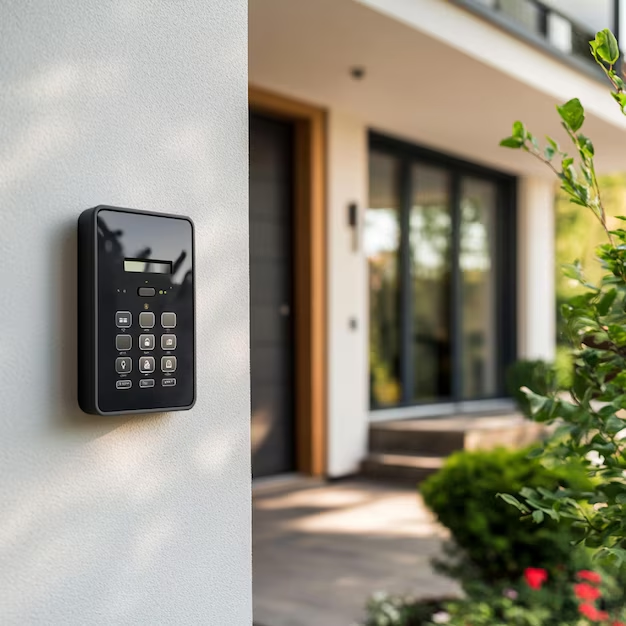
When a face is hidden, the person taps an ID card or shows a QR code instead.
Camera frames arrive over your local network at 720p.
Camera frames arrive over your local network at 720p.
AtOmniVision,webelieveeveryidentitycheckshouldstayonyourpremises,whichiswhyweprocesseachfacelocallyandkeeponlyencryptedtemplates.
512-dimensional biometric templates are stored in an encrypted local database.
Face images are deleted after enrolment. Logs are wiped on a schedule you choose.
Read the data noticeUnder
100 ms
From camera frame to verified identity
Built on open models like MediaPipe and ArcFace, so you own every part of it.
Built for the doors people really use